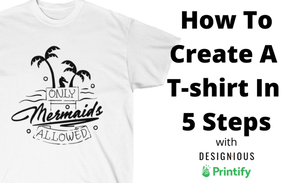
If you are just starting out with Print on Demand you are in the right place, creating a t-shirt for sale with our design library is very easy. In this short video, we show you how in 5 steps you can create and publish a t-shirt in Printify.
Create a t-shirt in 5 steps
- Search and download the t-shirt design you like from our design library. There are over 3000 ready-to-print designs you can choose from. Or you can create a new one with just a few clicks with our Online Designer App.
- Go to Printify and chose the product you like and the print provider. You can choose from different types of t-shirts and providers based on location.
- Unzip the archive you downloaded and upload the high-resolution PNG file into the Printify library. This file can be reused on other products like hoodies.
- In the Printify design tool we resize the image to fit the t-shirt properly and we preview it to see how it will look on our product.
- It looks good and now we publish the product and it's ready to be viewed in our online store and customers can purchase it.
https://youtu.be/APqj3TezvDs
When your product is live in Printify you can publish it to Etsy, Shopify, Ebay, or your own WooCommerce store. It really is that simple, and it takes just a few minutes to have a ready-to-sell product.